How to restore a deleted BigQuery Dataset

"Oops, I accidentally deleted my BigQuery Dataset! What should I do!?" If this is you at the moment, don't panic. You are in good hands now!
In this tutorial, I'll work through a lab, in which I deleted a BigQuery Dataset and then recovered it with all the tables and views. If you are in a rush, feel free to scroll down to the recovery steps.
Set up the test BigQuery Dataset
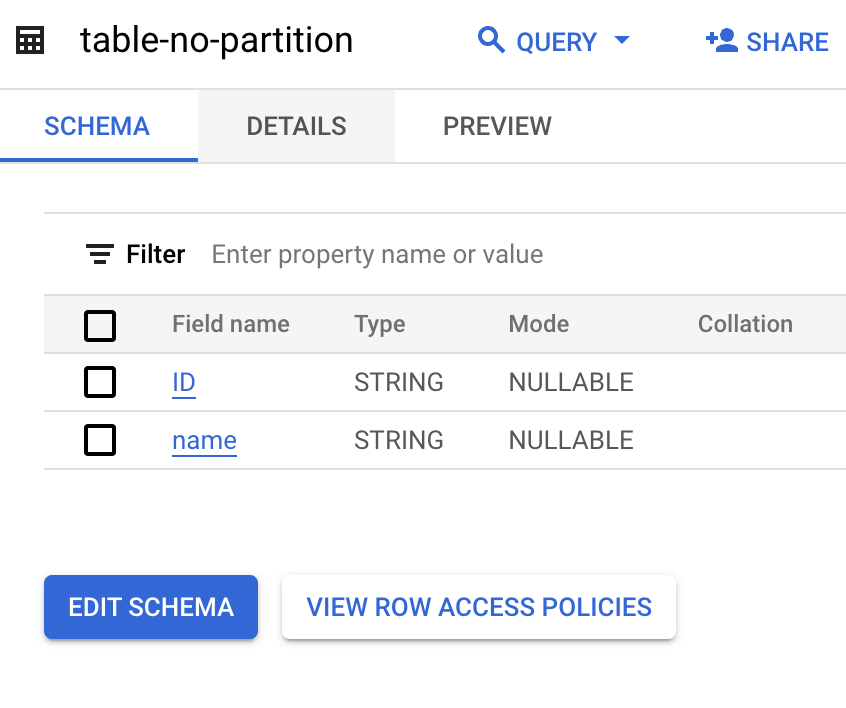
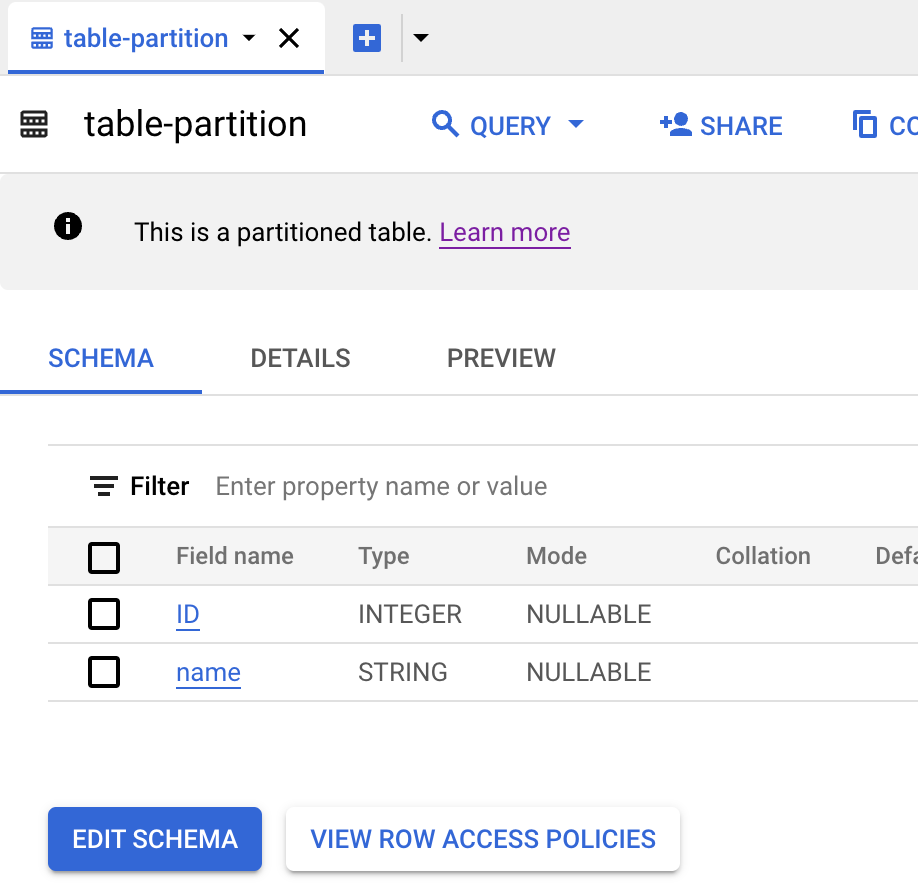
This is my setup in BigQuery, I have two tables and a view.
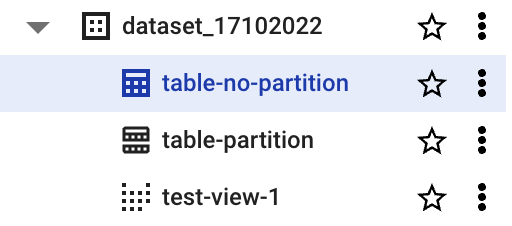
Dataset:
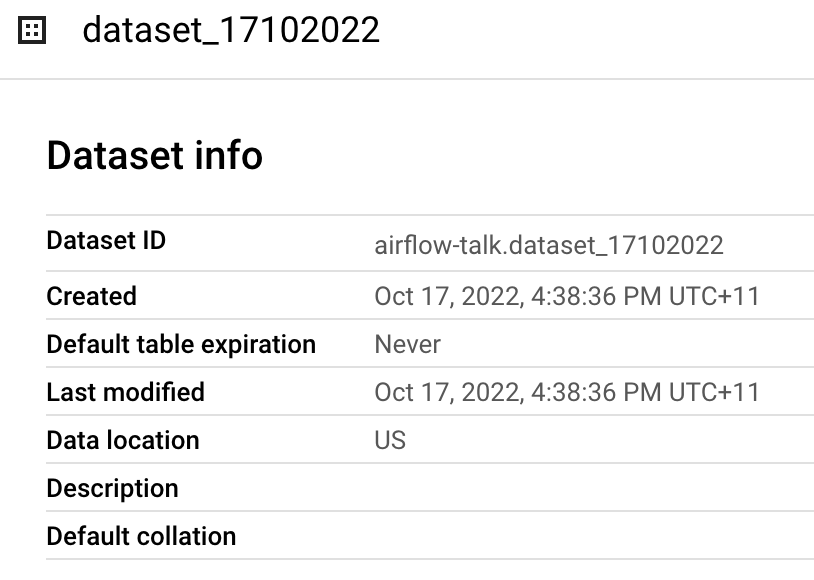
Two tables:
View:
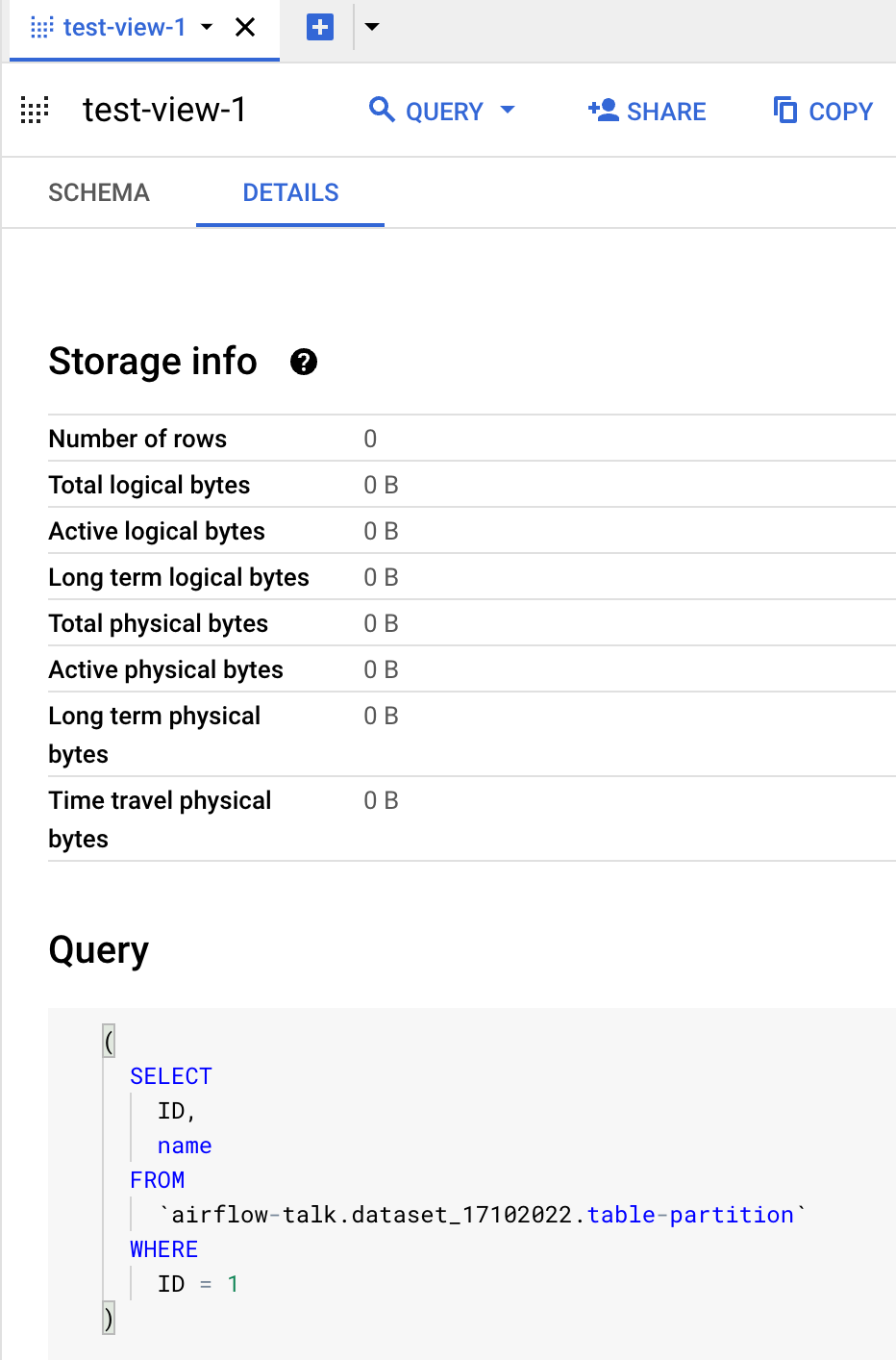
Delete the Dataset
From the BigQuery UI, I deleted the Dataset:
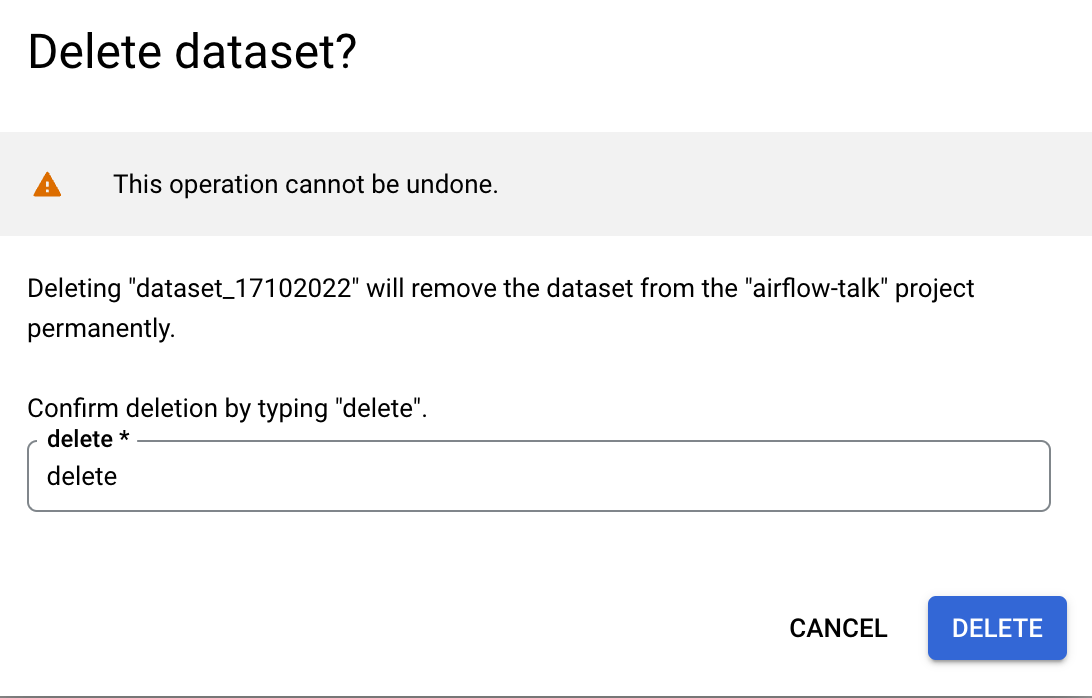
Verify if it was deleted:

How to restore a BigQuery Dataset
Time to restore it!
Find out the tables in the Dataset
Owner permission may not be enough to access some INFORMATION_SCHEMA tables. You need to explicitly add at leastbigquery/metadataViewerrole. Also, to restore row-level tables, you needbigquery/admin.
First thing first, let's find out what tables were in my Dataset. Can't remember them? Don't worry.
I understand that you may inherit this from someone or you just don't remember the names of your tables and views. That's fine. Here is a query that you can use:
SELECT
  DISTINCT TABLE_NAME
FROM
  `region-us`.INFORMATION_SCHEMA.TABLE_STORAGE_TIMELINE
WHERE
  TABLE_SCHEMA = "dataset_17102022";
After running it in my BigQuery project, I found the table names:
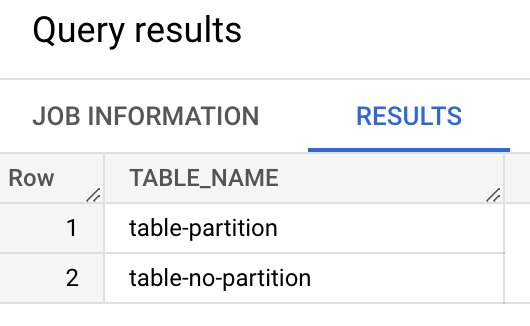
How does it work? The above query uses TABLE_STORAGE_TIMELINE view in BigQuery INFORMATION SCHEMA to find out the tables that contain data.
Recreate the BigQuery Dataset
In my lab, my Dataset is in the US region. You may need to change the location to the one that you use. You can find all the BigQuery locations from here.
Recreate the BigQuery Dataset using the same name.
bq --location=US mk -d dataset_17102022
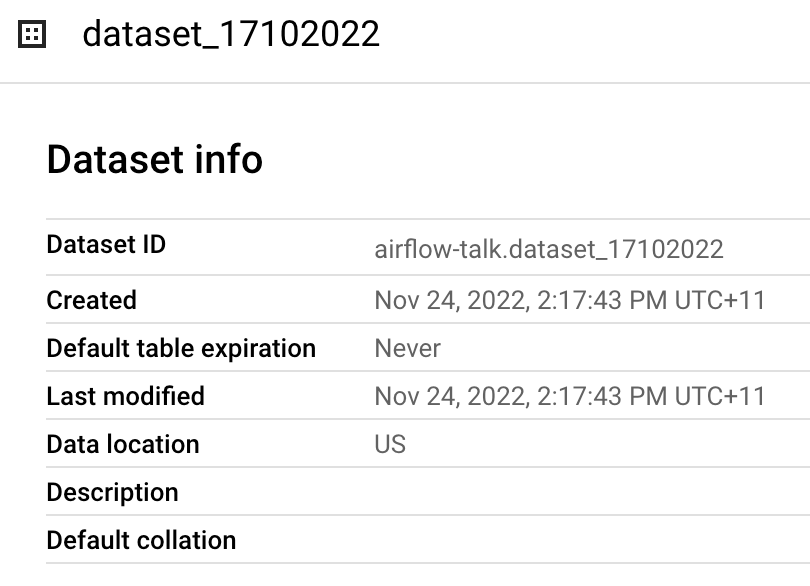
Now I have recreated the Dataset, but it is empty. Let's recreate the tables and recover the data.
Restore the tables and data
To restore the table, we will use time travel feature from BigQuery.
Run the bq command below. Note that I used -3600000, which is specified in milliseconds using a relative offset. It can also be specified as milliseconds since the Unix epoch.
bq --location=US cp airflow-talk:dataset_17102022.table-no-partition@-3600000 airflow-talk:dataset_17102022.table-no-partition
Verified that table-no-partition was recreated with data:
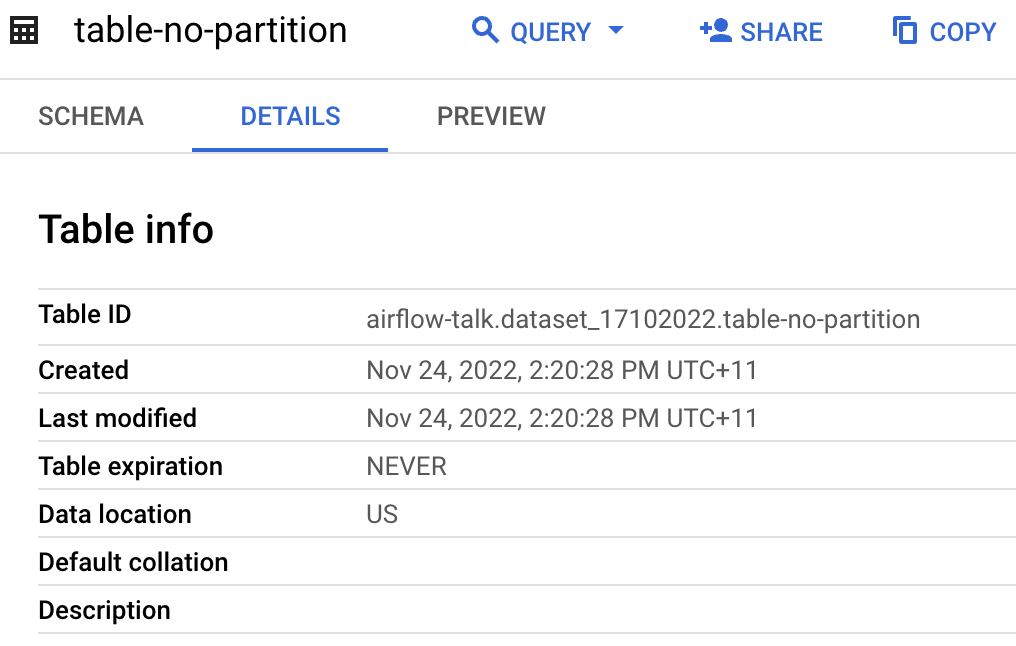
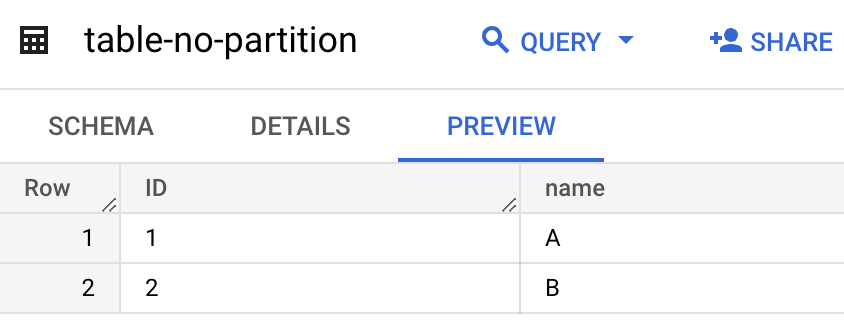
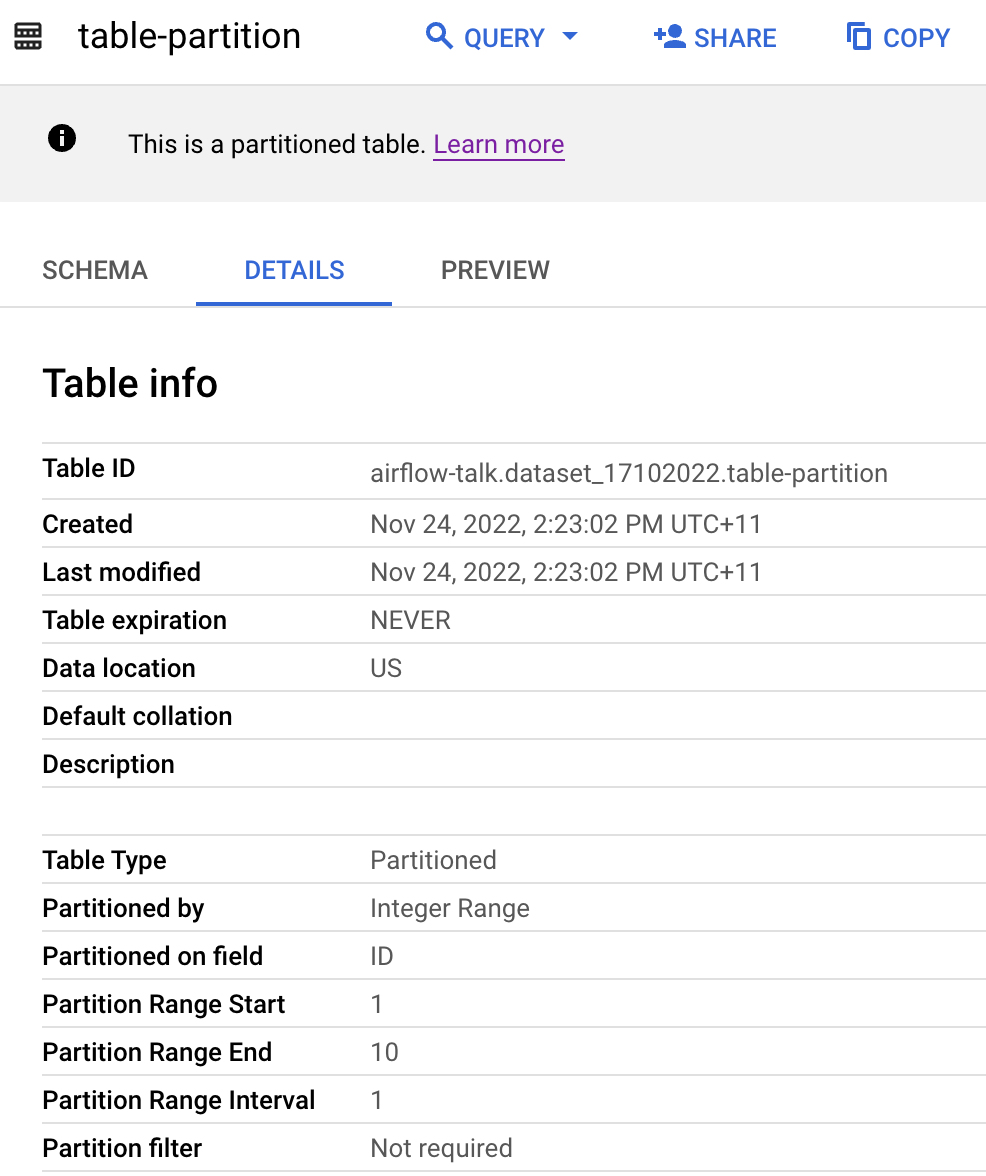
Same process to restore table-partition table:
bq --location=US cp airflow-talk:dataset_17102022.table-partition@-3600000 airflow-talk:dataset_17102022.table-partition
Recreate the view
There is no straightforward way to recreate the views. It is always a good idea to store the DDL in the source repository. But if you don't have it now, you can try finding the view creation logs in Cloud Logging using the name of the view. In my case, the log is here:
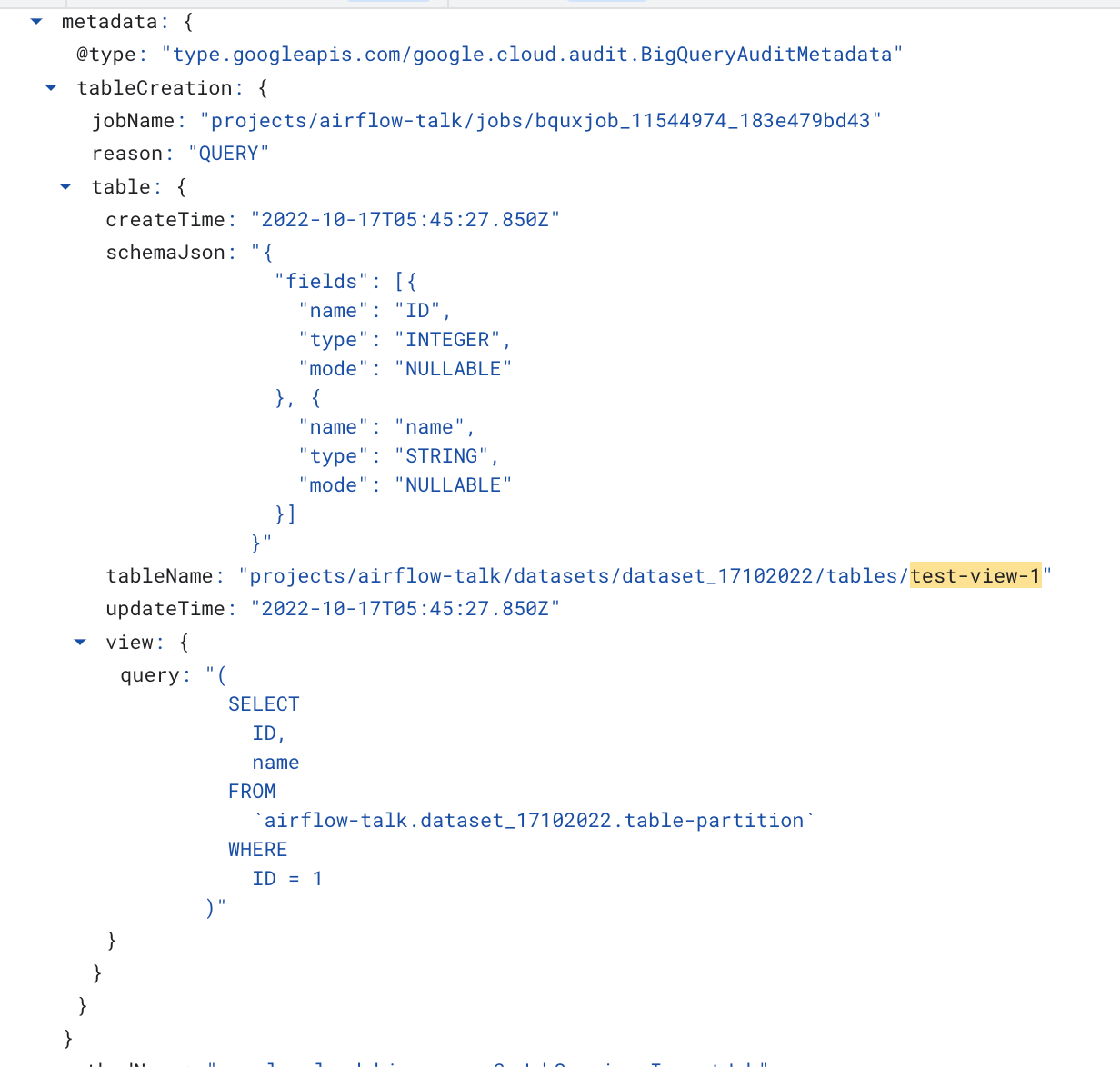
To recreate this view, I ran the below SQL statement:
CREATE VIEW
  dataset_17102022.test_view1 AS (
  SELECT
    ID,
    name
  FROM
    `airflow-talk.dataset_17102022.table-partition`
  WHERE
    ID = 1 )
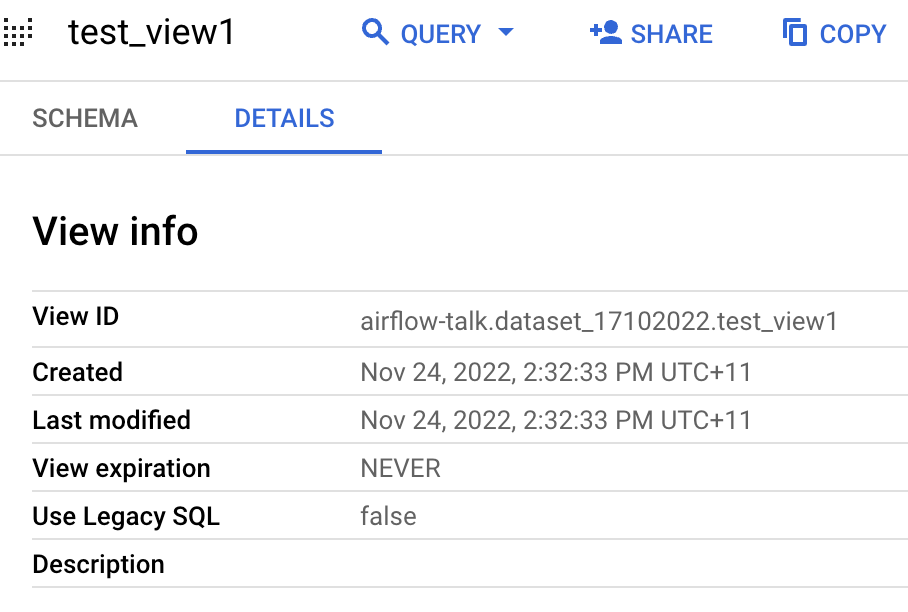
And my view was recreated:
Summary
In this tutorial, I set up a lab to delete and restore a BigQuery Dataset.
Everybody has oops moments, deleting a BigQuery Dataset may be one of them. I hope following the above instructions helps you. Let me know if you have any questions.
Good luck!
Comments
Join the discussionwhat is region-us
It means US multi-region. You can find more information from here: https://cloud.google.com/bigquery/docs/locations#multi-regions A multi-region is a large geographic area, such as the United States, that contains two or more regions. Multi-region locations can provide larger quotas than single regions.